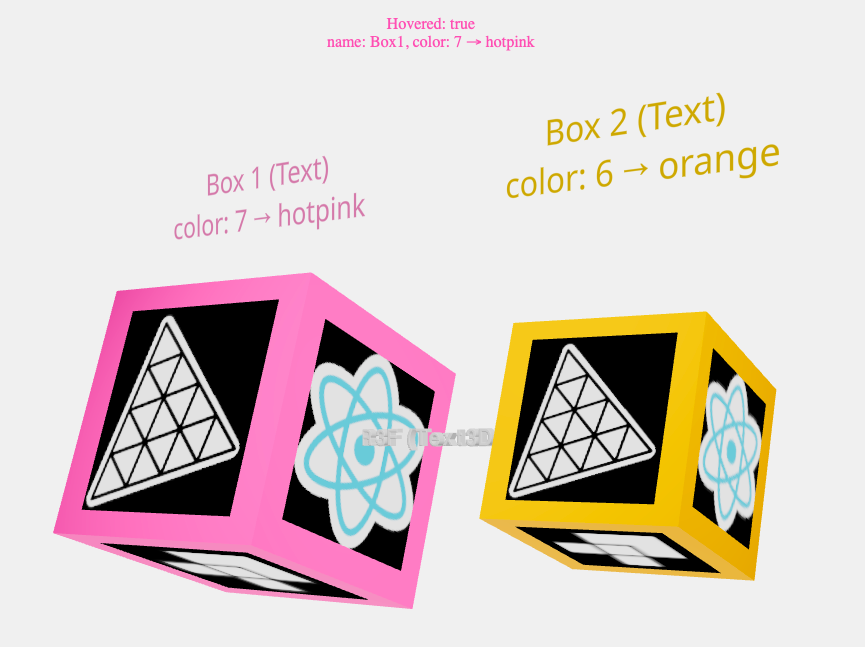
When the mouse is hovered onto a cube, its color changes from orange to hotpink.
When a cube is clicked, its scale is toggled from 1 to 1.5 and its color changes.
The process of selecting colors is more complicated than it seems, because
React useState is asynchronous!
We label the cubes and their colors by calling Text,
with Hi-quality rendering w/ signed distance fields (SDF) and antialiasing,
using troika-3d-text.
It is also possible to use Text3D, with type face fonts.
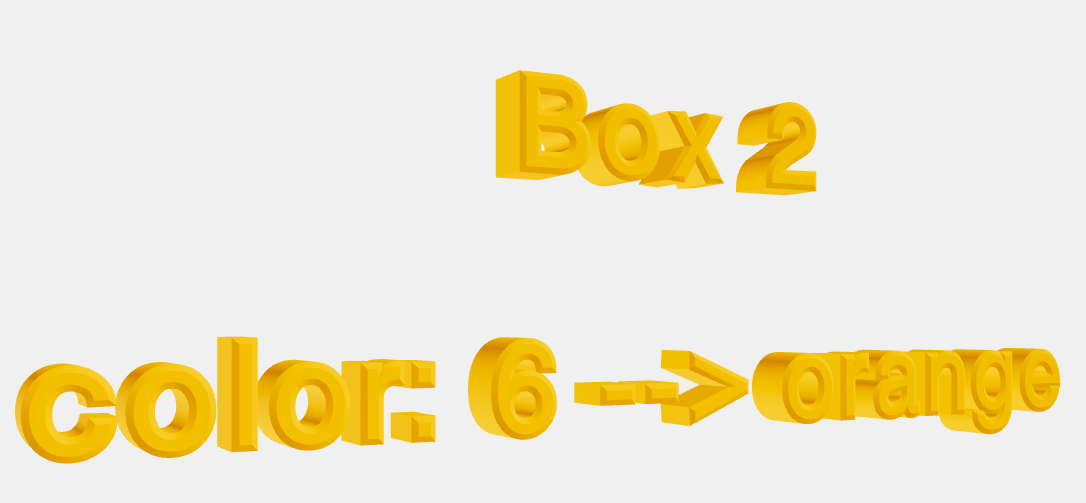
Text3D with bevel
Finally, decals
are applied to each face of the cubes.
Decals are objects that interfere with the
"mouse picking"
and to avoid mistakes,
we call event.stopPropagation()
to get only the first intersection when a pick ray is cast. Furthermore, if
no material is specified, a transparent meshBasicMaterial
with a polygonOffsetFactor of -10 will be created,
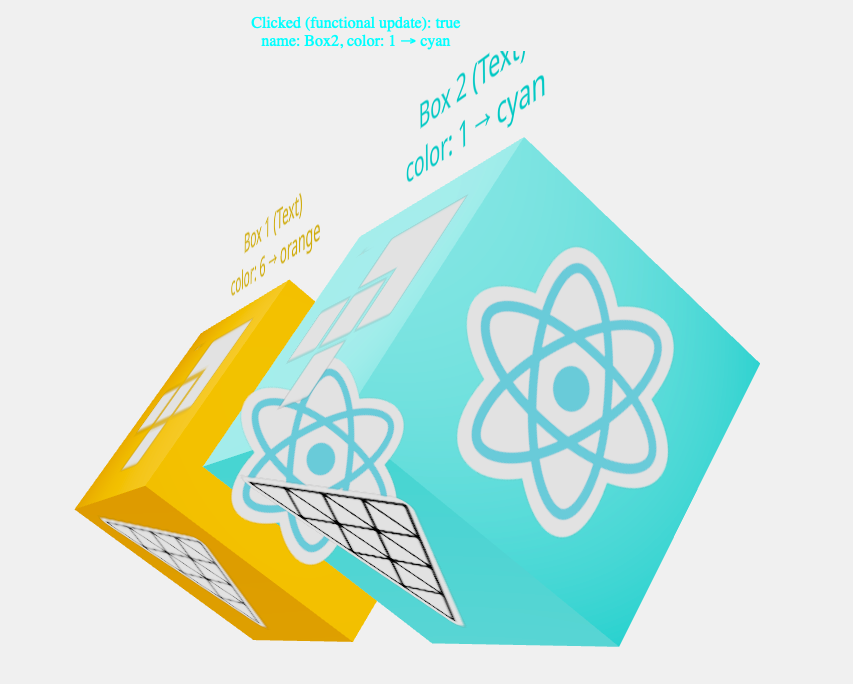
producing an awkward effect when the cubes overlap.
Overlap with transparent meshBasicMaterialmeshBasicMaterial specified